
If you would like to submit a gif or emoticon for use on CamSoda, please keep the following specifications in mind:
- Maximum file size: 10mb
- Accepted file types: jpeg, jpg, png, gif, bmp
You can make your submission directly from a model's chat room!
- Tap the smiley face in the chat bar.
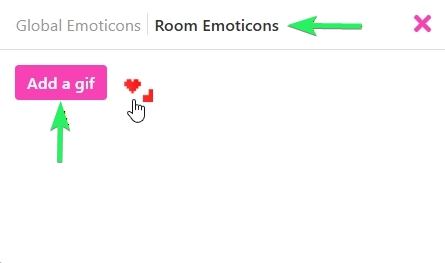
- Tap Room Emoticons on the modal, and then the Add a gif button.
- Select your file to upload for approval.
- Once approved, you can select it from the Room Emoticons menu.
You are welcome to contact [email protected] if you have questions about your submission.